What's inside
Six parts of the system: what you do and what LegalizeHub takes care of.
Clients and cases
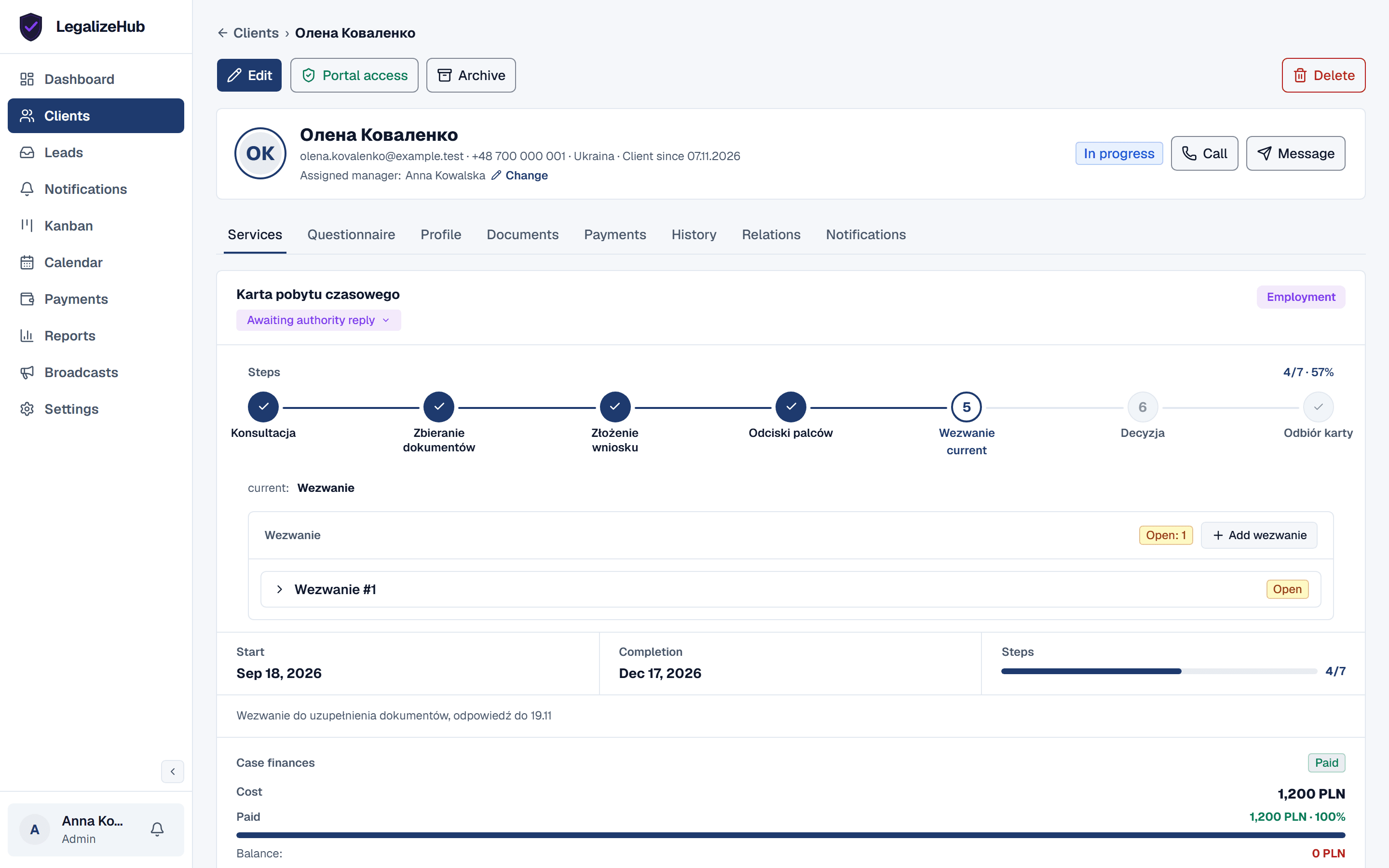
You add a client once. The system gathers everything in the client's card: details, documents with expiry dates, family and children, activity history and your own custom fields.
Each client's cases move through statuses and stages. You set up the stages for every type of case, and the system tracks repeat wezwanie letters too. New enquiries come in as leads, and the cases show on a kanban board by status.
Questionnaires and portal
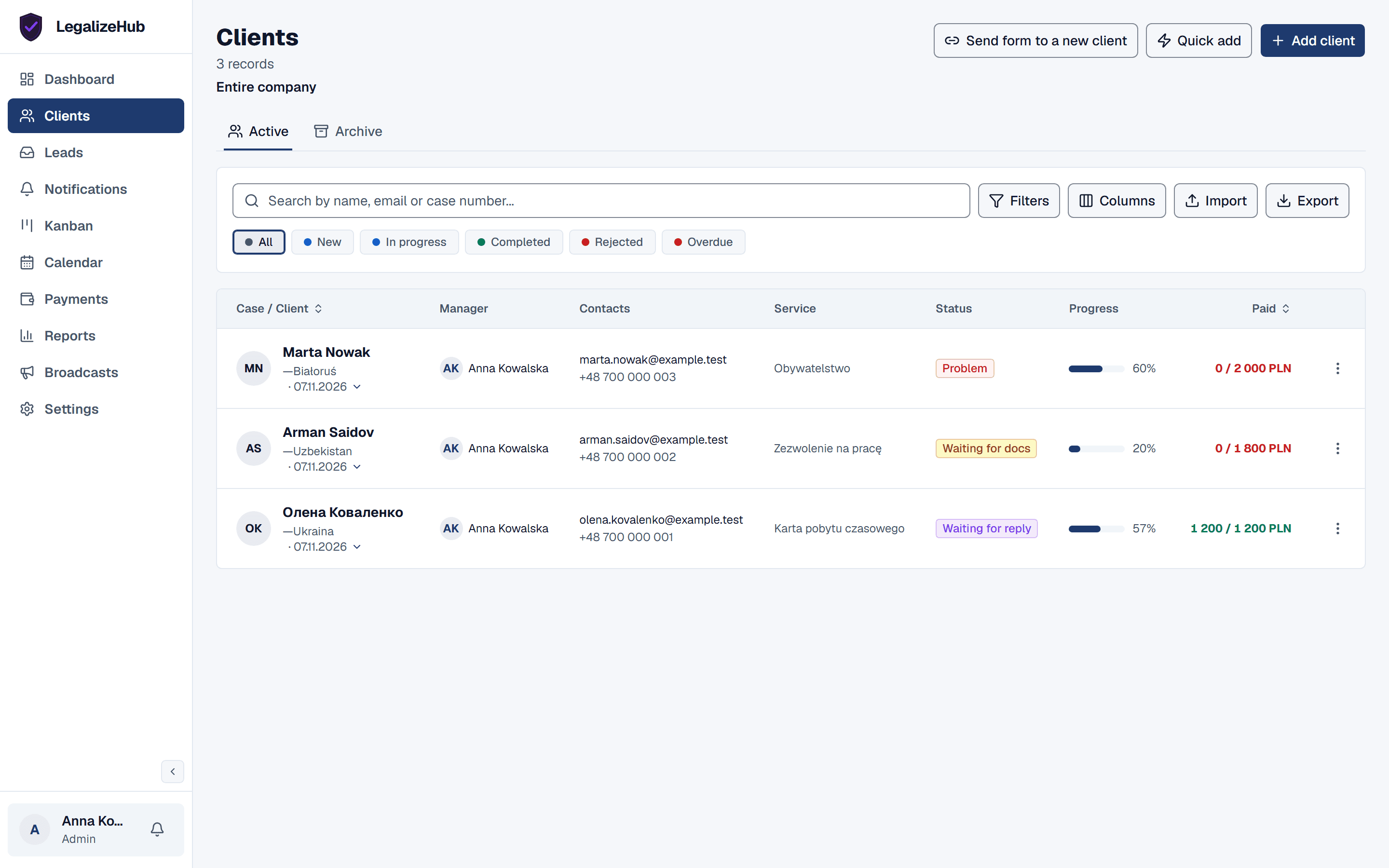
You build a questionnaire in the builder and send the client a link. Clients fill it in in their own language: Russian, Ukrainian, Polish or English. The system puts the answers into the client's card, so nobody has to copy data by hand.
In the client portal, clients see their own documents, family and case status, and upload files themselves.
Documents and deadlines
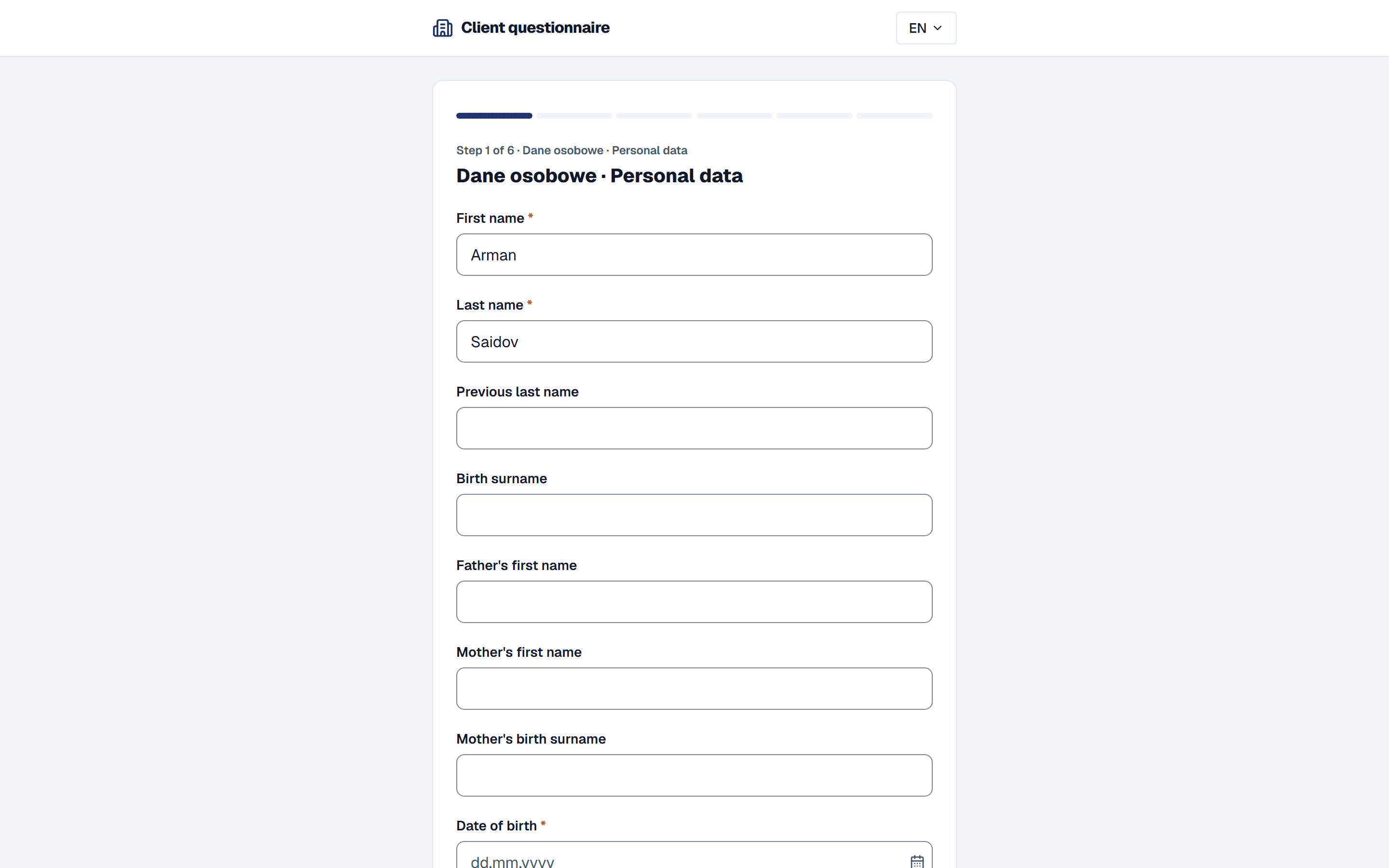
You upload documents, or the client does it through the portal. They all sit in the client's card, next to the cases and the questionnaire.
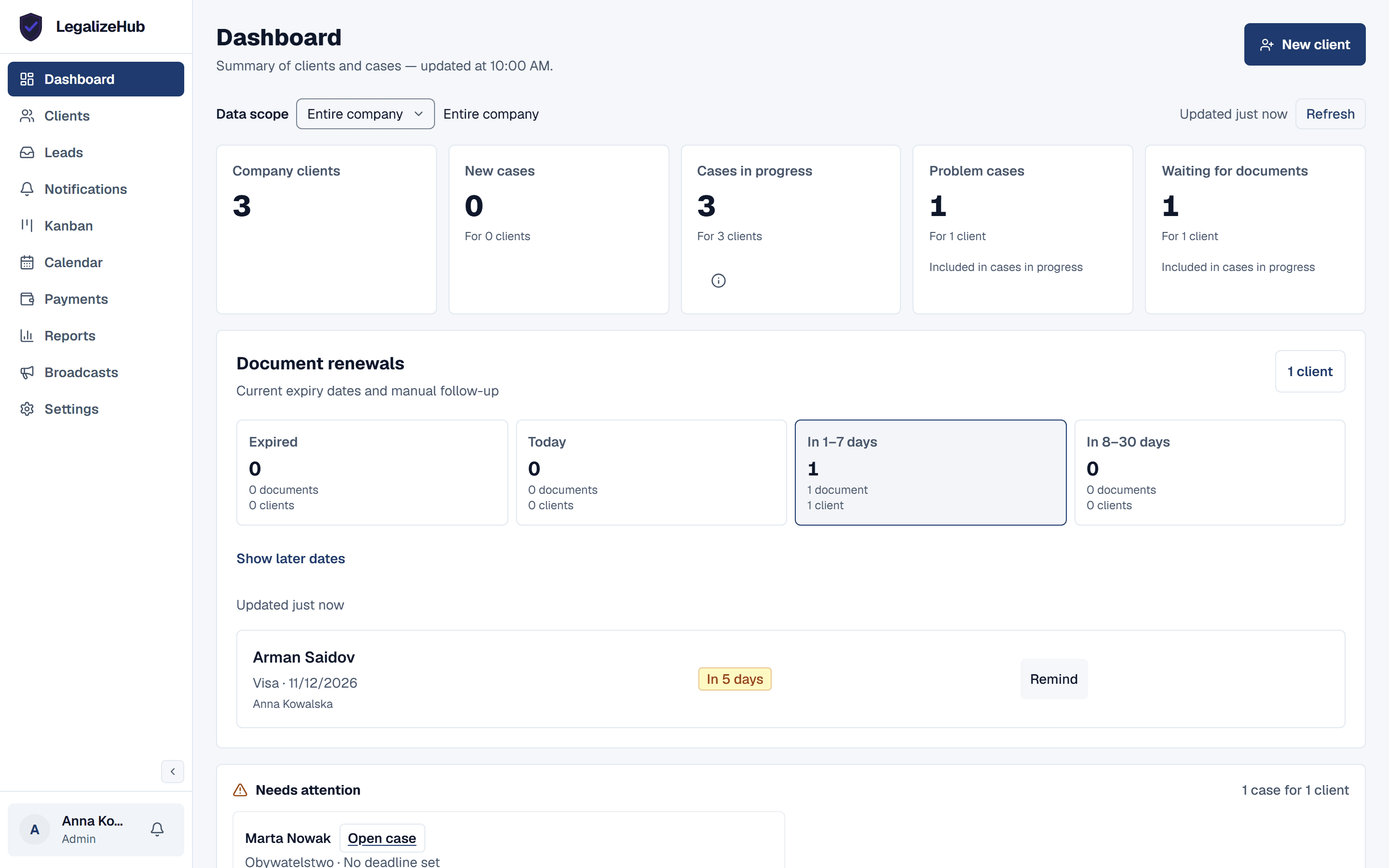
The system tracks the expiry dates of the passport, visa, residence card and biometrics in the client's card. Documents that are about to expire show up on the dashboard in the "Document renewals" block.
Payments
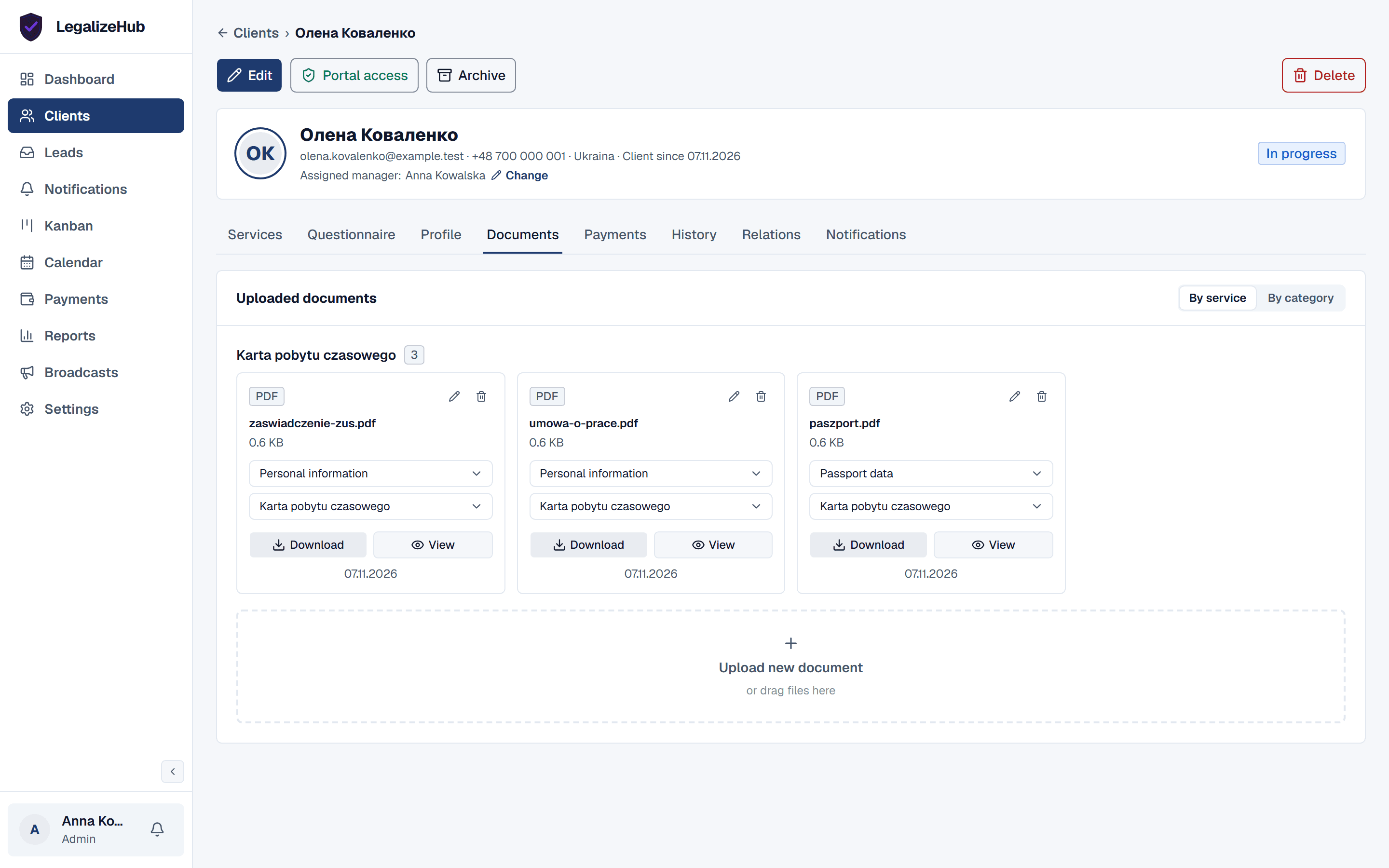
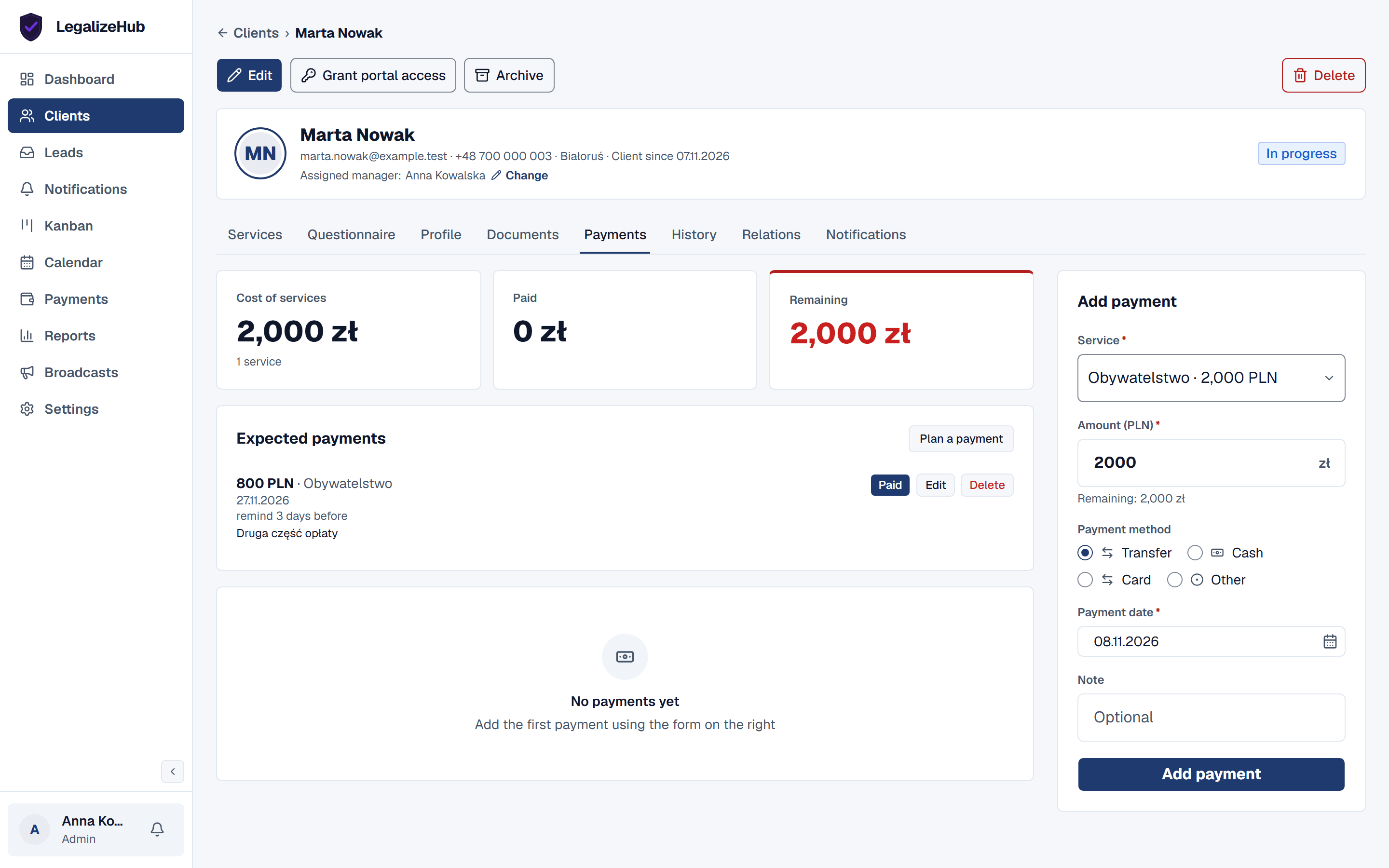
You set up a payment plan for the case and mark payments as they come in. The system keeps the record, so every case shows how much has been paid and how much is left.
If the client prefers to pay online, you send a link and the payment goes through Tpay.
Reminders and broadcasts
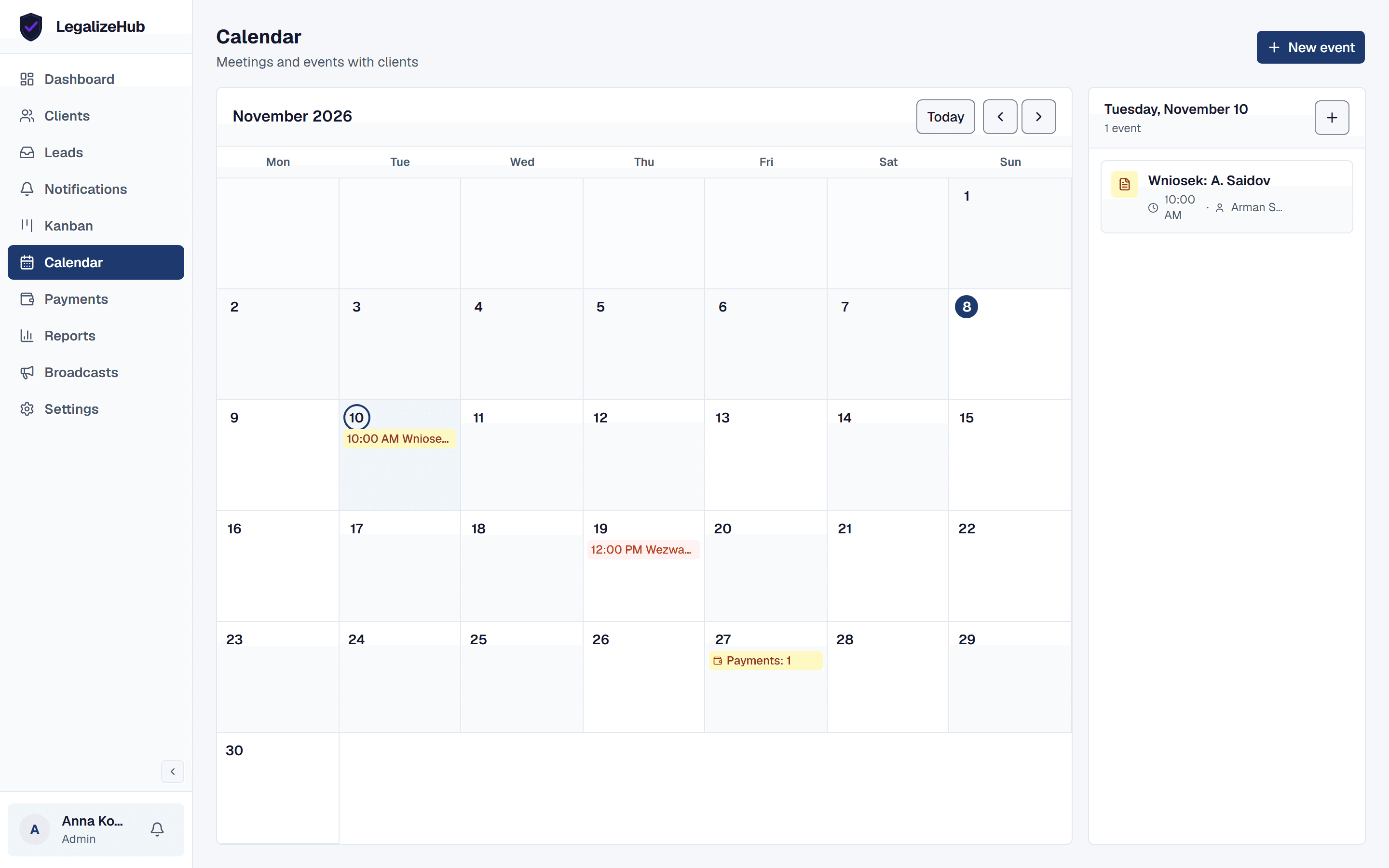
You write to clients from the system: broadcasts go out via Telegram and email. Dates and events are in the calendar.
You don't have to keep deadlines in your head. Every day the system checks documents and deadlines that are about to run out and creates tasks for your staff.
Control and reports
You see how the firm is doing on the dashboard, in reports and in analytics. You can export the data you need to Excel and import your client list from Excel.
You give staff roles: administrator or staff member. Several people can work in the system at once, and the activity log shows who did what.
You set the stages
Every firm has its own way of working. Stages are set up for each case type, and the system takes the client through your process, not someone else's.